Installation Guide


How to Install
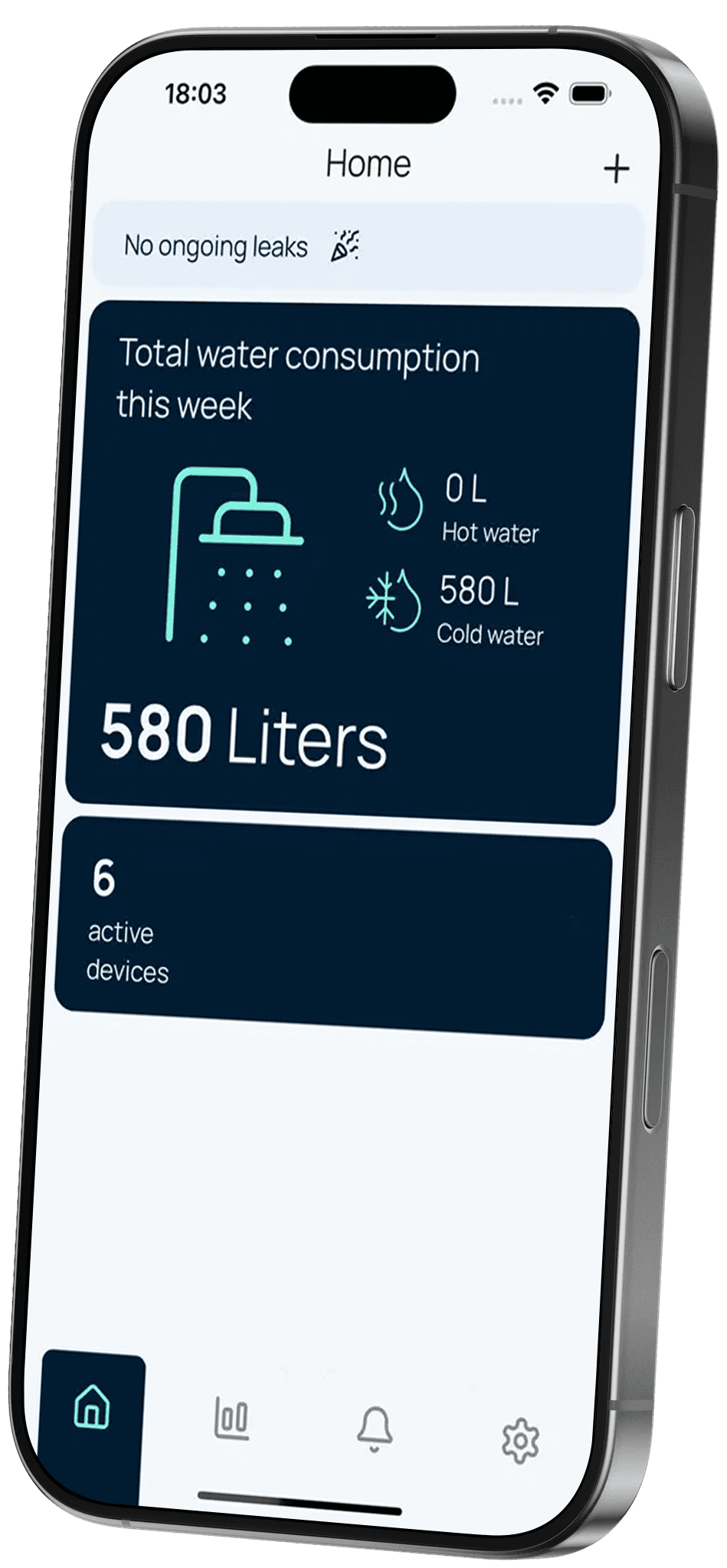
Download the Quandify App
Available in the App Store or Google Play
Add your Water Grip in the app
Create an account and add your device (+).
Follow the installation instructions
The app will guide you through the steps.
Where to Install
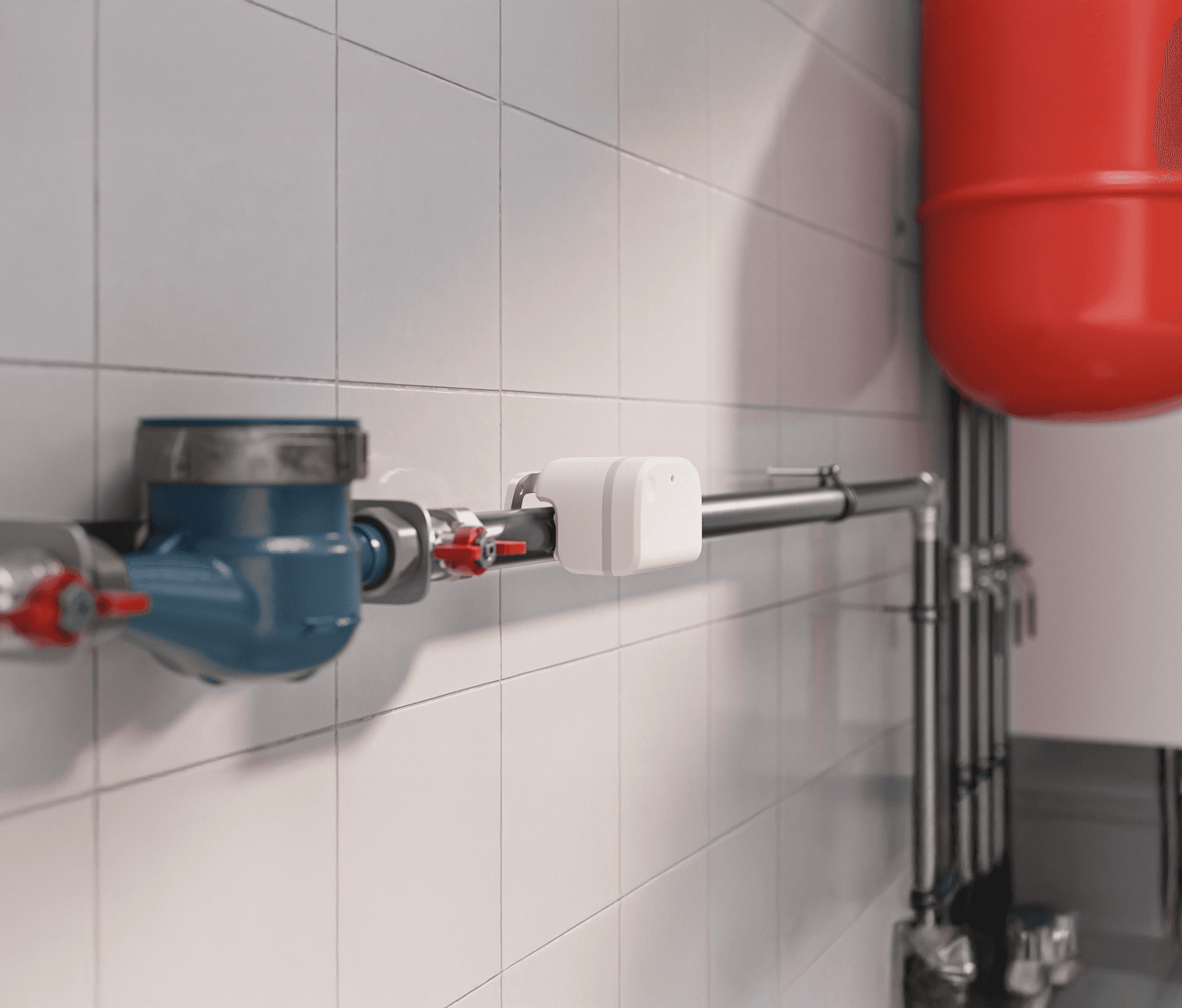
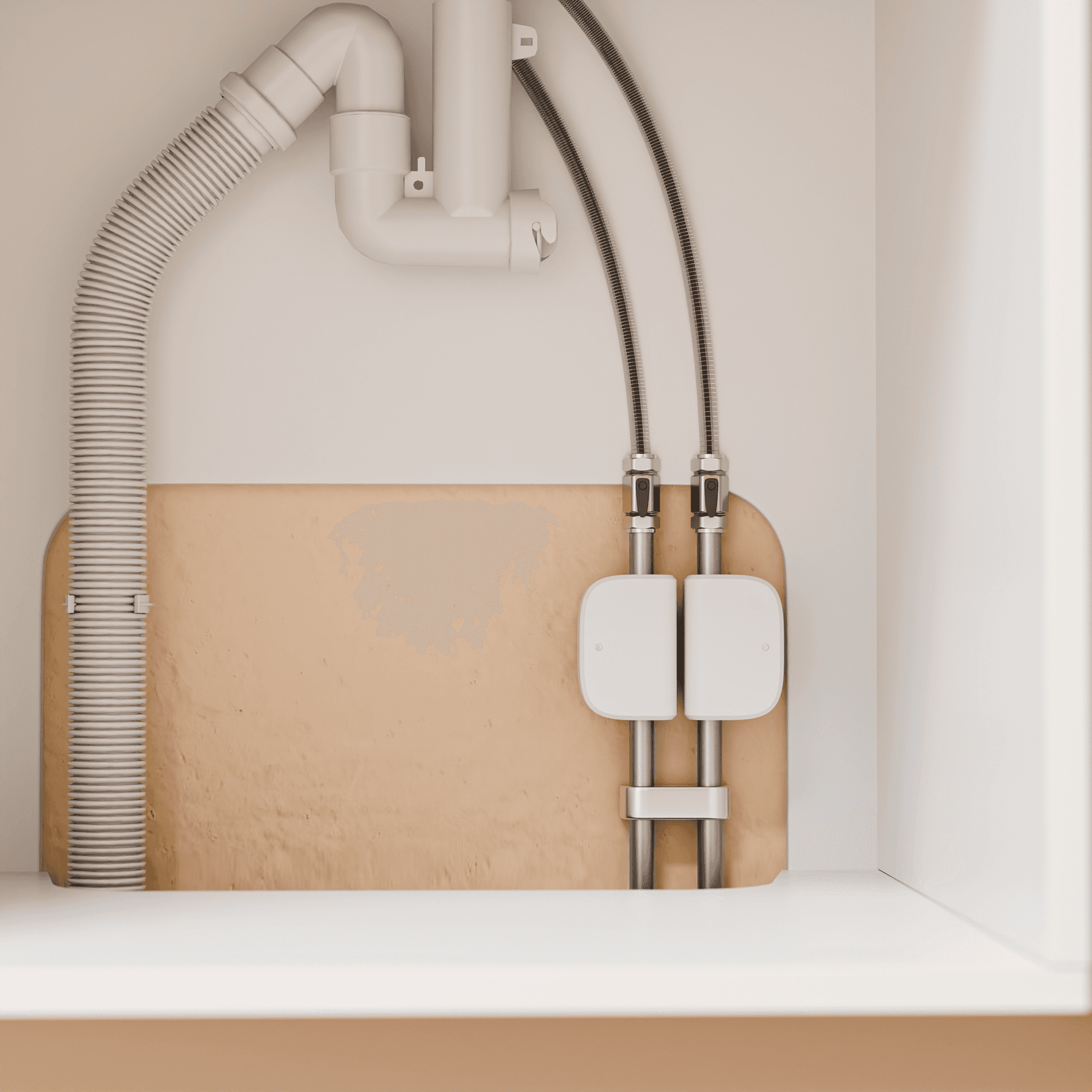
Unit needs to be installed within the building envelope, within wifi range and not exposed to the elements.
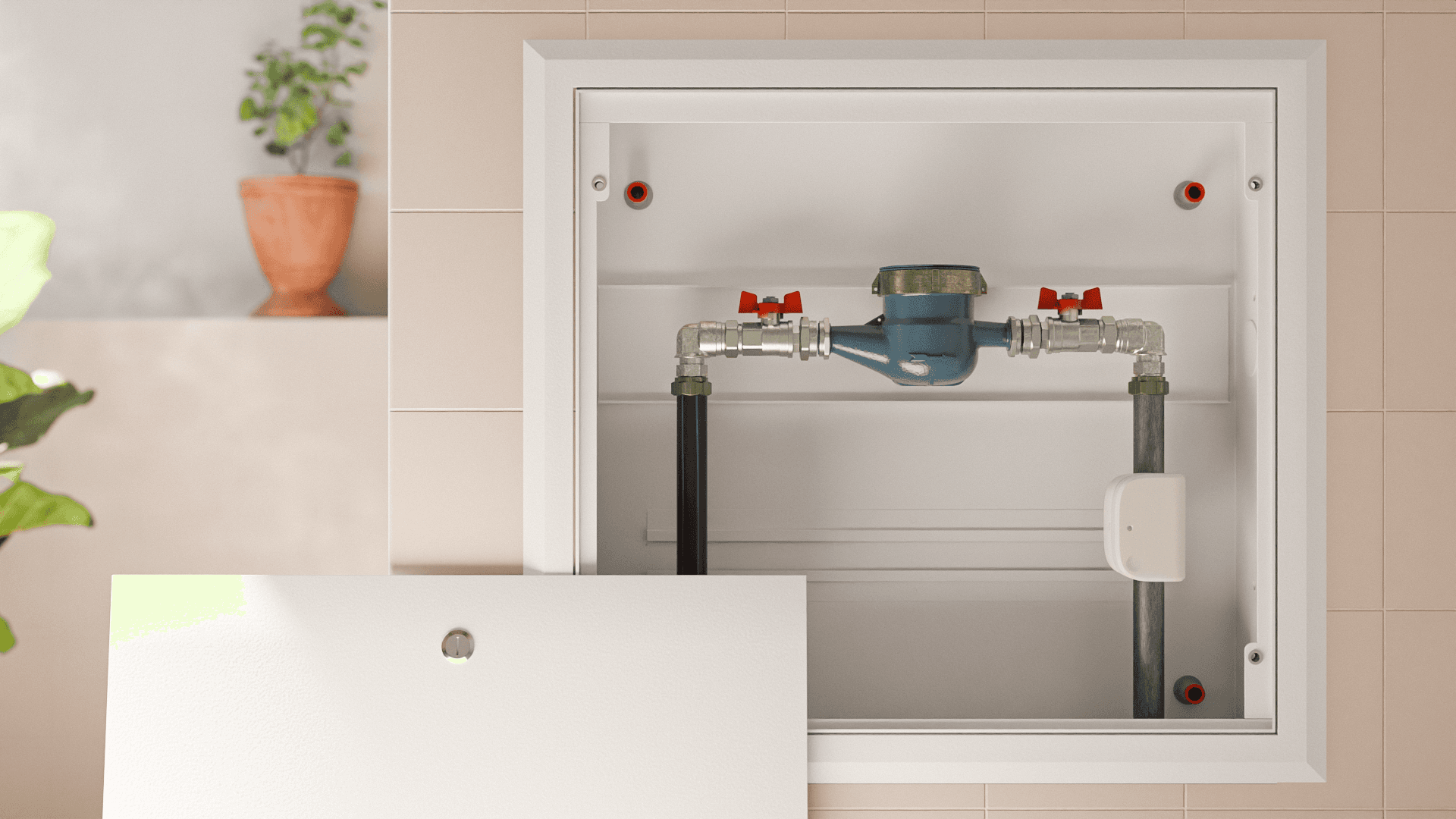
Needs to be installed ‘upstream’ of the area you wish to manage. If you wish to manage your whole home, the installation must be on the mains feed to the property. Often found underfloor or in the roof.
Installation Guide
Power Options
Normal Operation
Technical Table
Supported Pipes
Optimal placement
- Note on normal operation, note to refer to manual for checking device status and LED behaviour

Device Operation
Power Options
Normal Operation
Technical Table
Frequently Asked Questions
Everything you need to know about Quandify before getting started.
My device won’t connect to Wi-Fi?
Ensure that your Wi-Fi router is configured to 2.4GHz.
I cannot see any data in the Quandify App?
The device beeps at regular intervals, what does that mean?
Battery drains quickly?
Be the First to Experience Quandify
Sign up today to get early access, exclusive updates, and priority launch offers.